Blog ·
One installer for Full, Client, and Headless
Until now you had to pick the right download before you started, and a server with no screen had no option at all. Starting with today’s nightly, one installer handles all three:
curl -fsSL https://hexbot.app/install.sh | sh
Or download Hexbot Installer for a window that asks the same questions, one per screen.
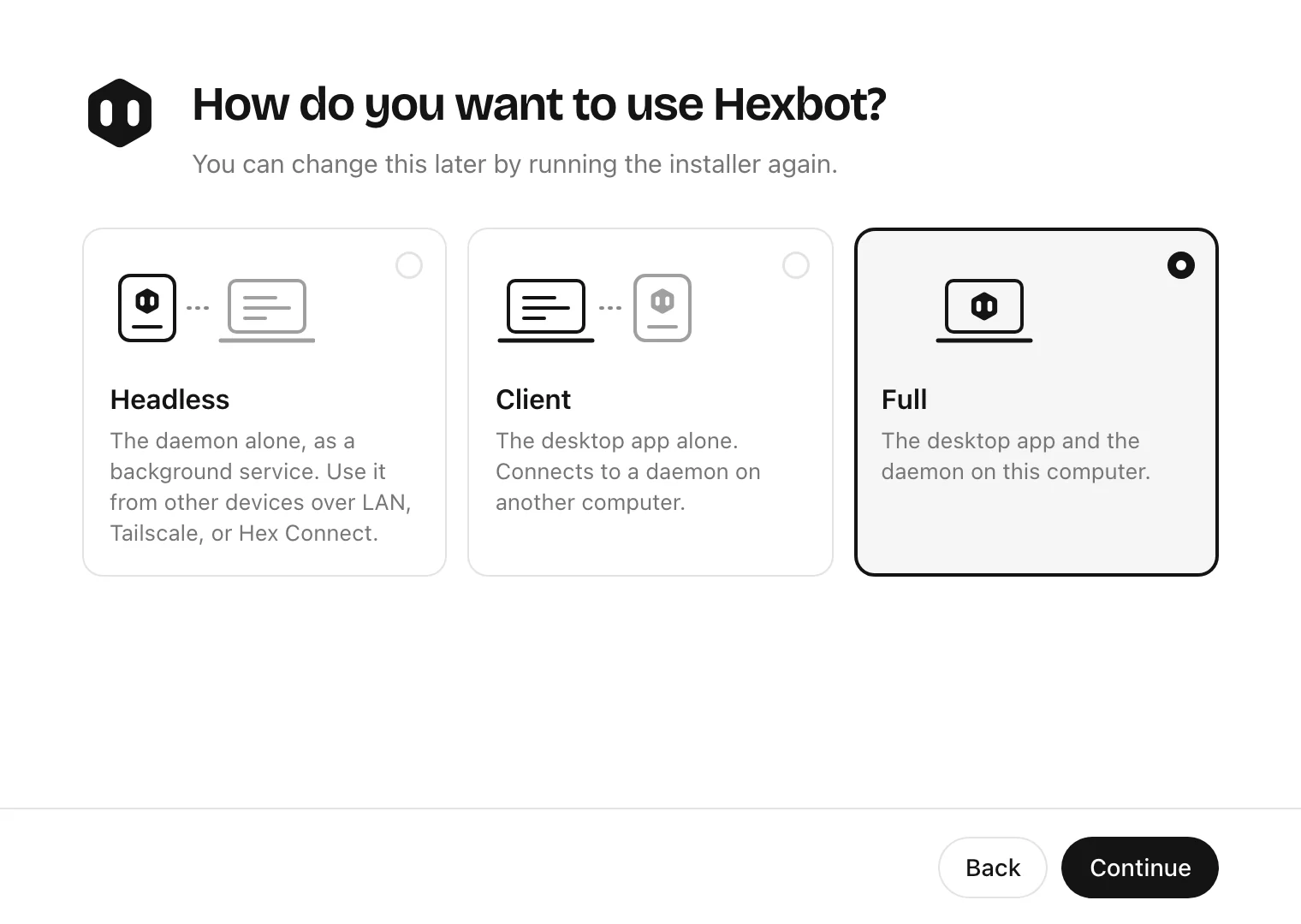
Three ways to install
- Full: the app and the daemon, for the computer your bots live on.
- Client: the app alone, for your other computers. It connects to a daemon elsewhere.
- Headless: the daemon alone, for a server. It runs as a background service and ends by printing the addresses and a pairing code for your other computers.
The installer downloads only the option you pick, and checks every download’s size and hash before it uses it.
Run it again
On a computer that already has Hexbot, the installer offers Update or repair, Change, and Uninstall. It never replaces an app while it’s running. Your ~/.hexbot stays unless you ask to delete it.
Hexbot without the app
A Headless install comes with the hexbot command, so you can do everything from a terminal: hexbot setup, hexbot service to install, start, and stop the background service, hexbot status, hexbot lan on to let other devices reach the daemon, and hexbot pair for a pairing code. See Install and CLI.
Also in this nightly: choose how hard each bot thinks
Each bot’s Model settings now have a Reasoning picker: Off, Minimal, Low, Medium, High, Extra high, and Max. Medium is the default, as before. A new level applies to the bot’s next conversation, so the ones already open keep their cache. Models that don’t support a level use the closest one they do.